
A SMALL GUIDE TO YOUR WORLD
How to play
From your very first doll to a card worth keeping. Let’s take it one little step at a time.
STEP 01
Make your own doll
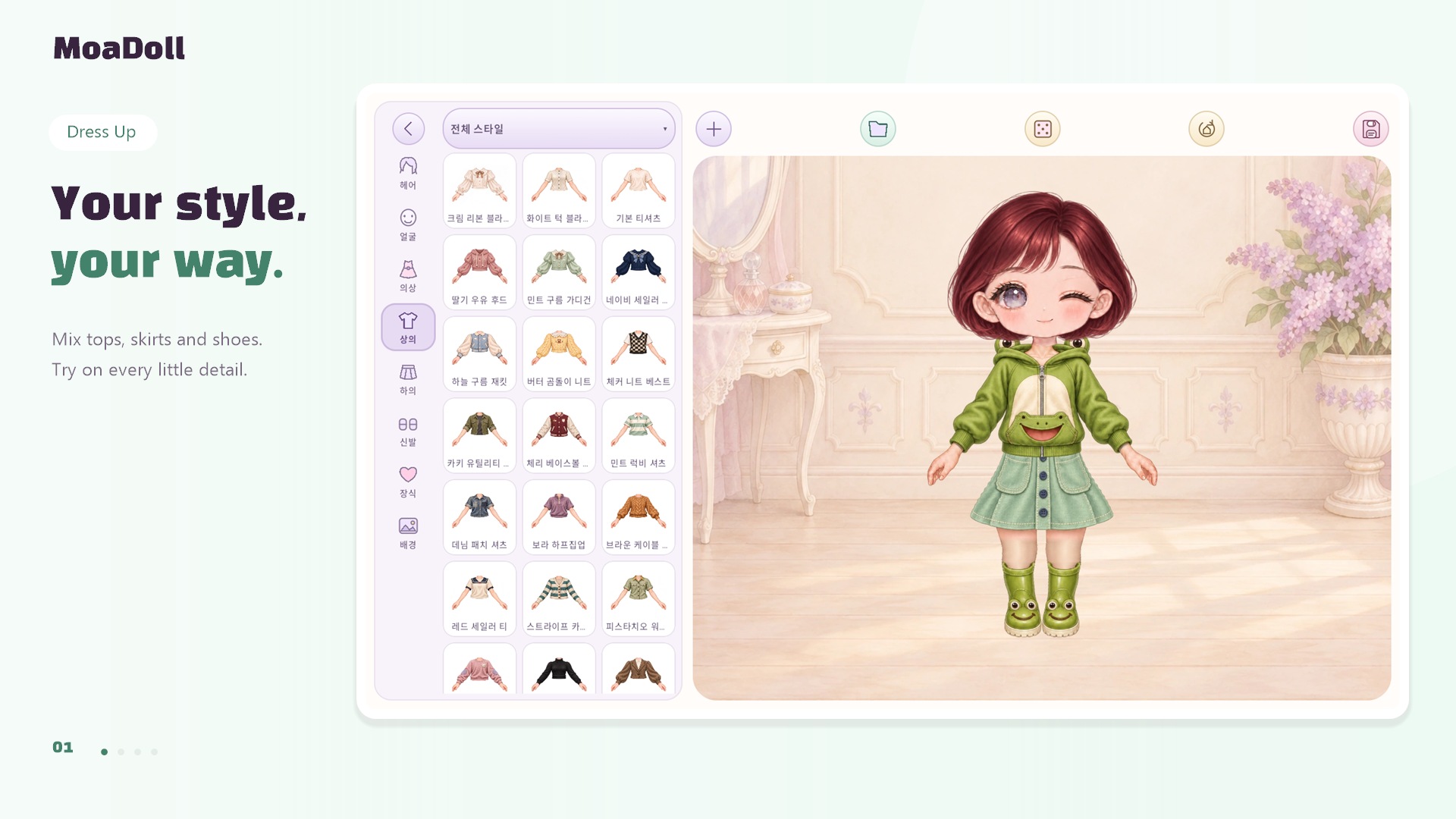
Open Dress up from the home screen to continue editing the doll you see. Choose Add new character for a fresh start, then pick hair, expressions, clothing, shoes, accessories, and a background. Save your favorite look.
STEP 02
Find your favorite color
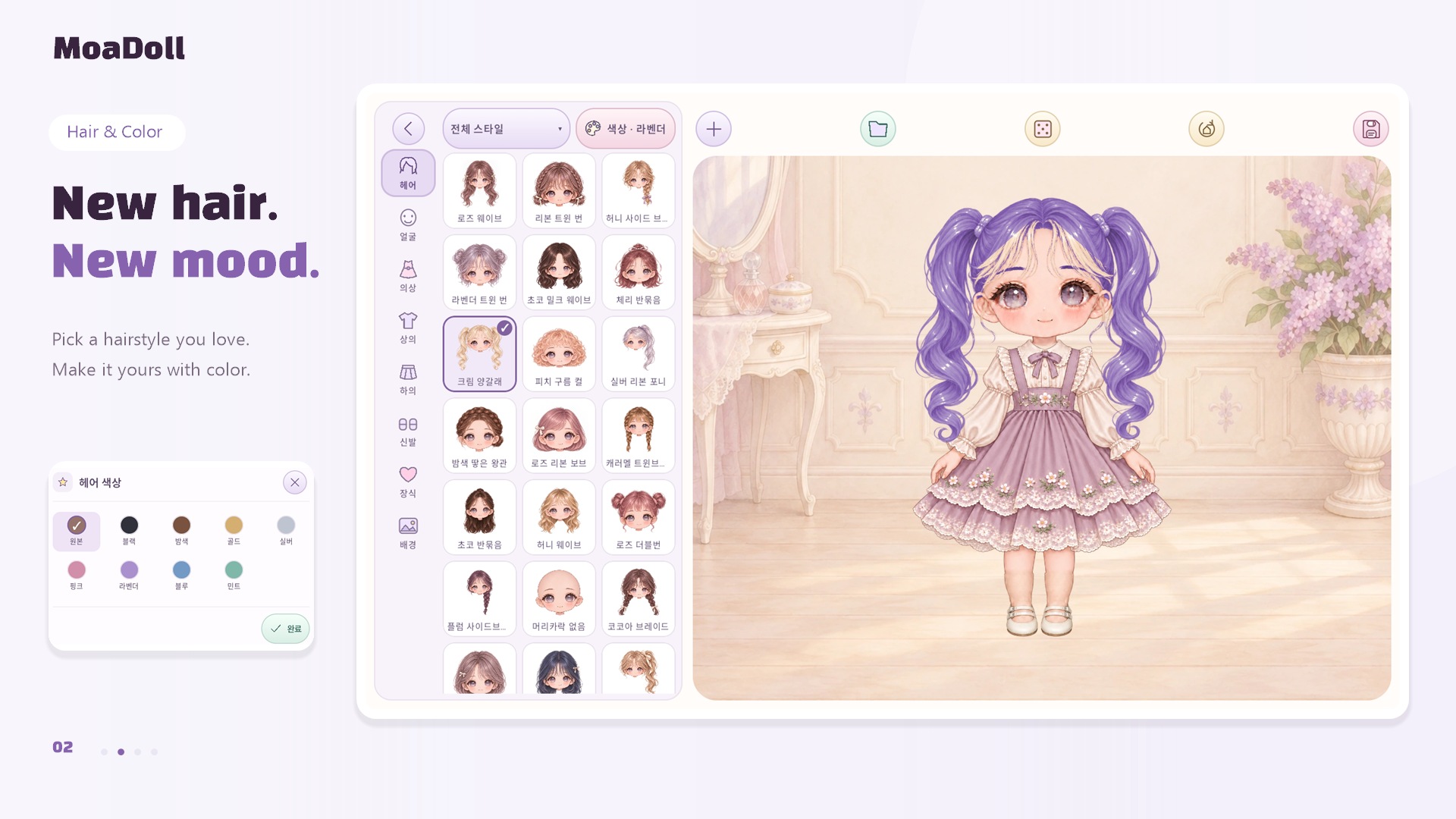
Open Color in the hair tab to choose the original shade or eight additional colors. Your choice stays with the saved doll and editing draft, and carries over to photocards.
STEP 03
Tell a story with a card
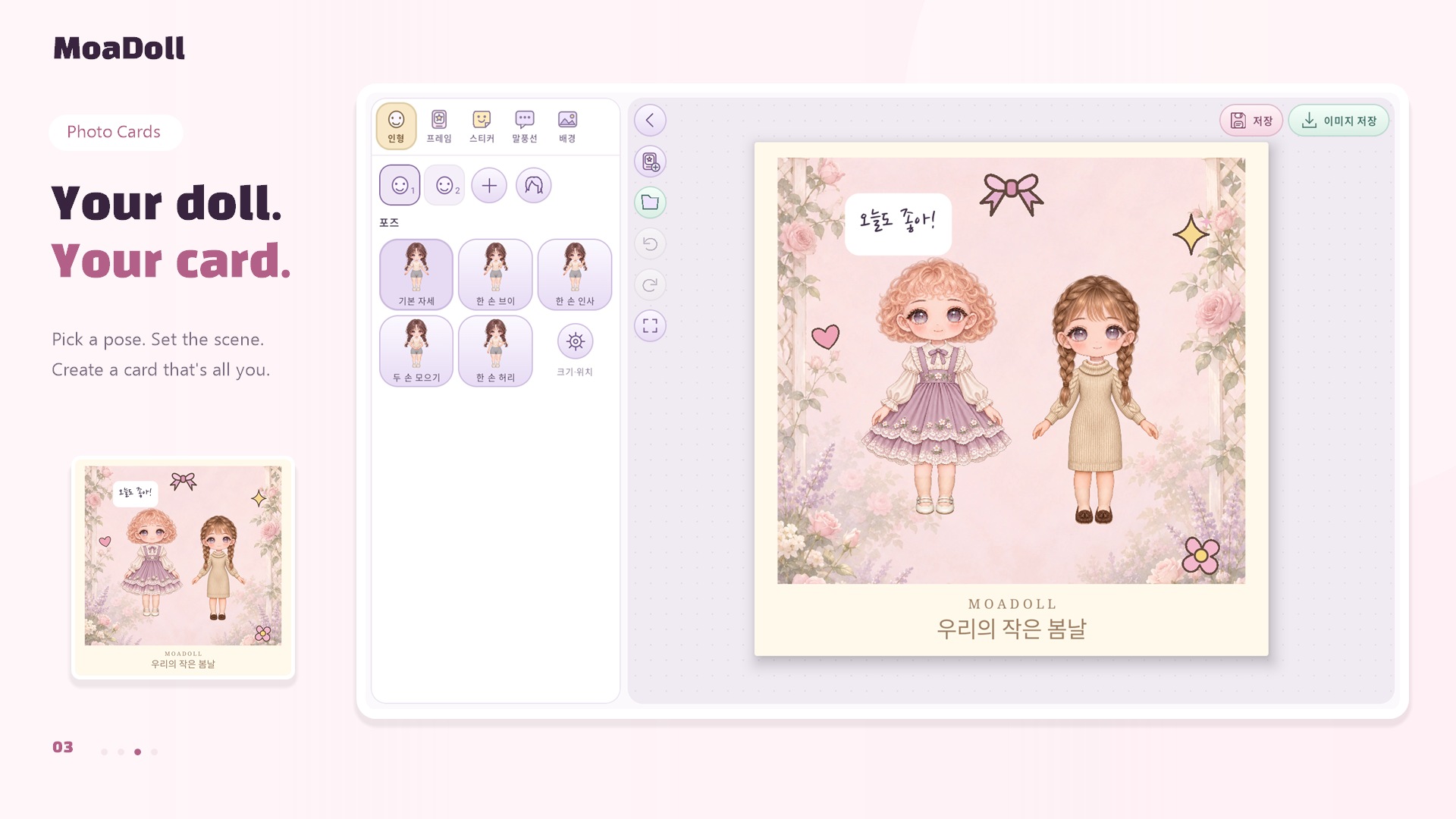
Create a new photocard in the studio and place up to three dolls. Pick poses, adjust size and position, and add backgrounds, frames, stickers, and speech bubbles. Choose 2:3, 1:1, 9:16, or 16:9.
STEP 04
Save it. Send a little happiness.
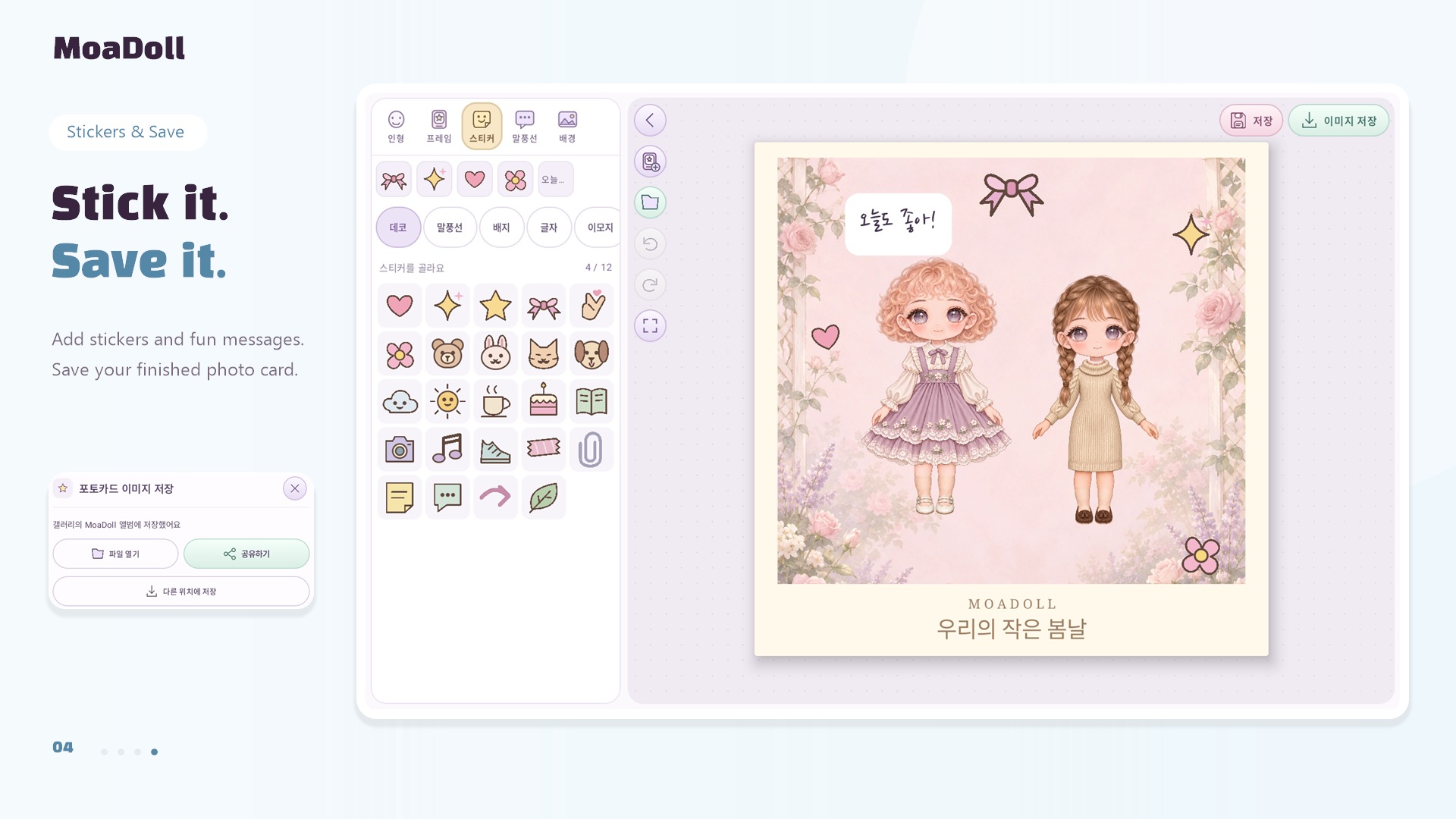
Save keeps an editable card; Save image creates a PNG. Regular cards have a 1800px long edge. Friendship cards add a chosen message to a 1200×1800 PNG that you can send through the Android share sheet.
A few little questions
Do I need an account or internet connection?
Basic doll customization, card editing, and saving work without a separate MoaDoll account. Ads, Google Play purchases and purchase restoration, Google Drive backup and restoration, and weather require an internet connection. Drive backup is optional and requires Google account authorization.
How do ads and All Access work?
The app offers banner, interstitial, and rewarded ads, and an All Access purchase through Google Play. While All Access is active, the app does not request or display ads. Check the app and Google Play purchase screen for the price and included features.
Why can’t I see my card in the gallery?
Save and Save image do different things. Choose Save image to create a PNG and wait for it to finish. Check available storage and the MoaDoll album. On Android 8 or 9, also check the requested storage permission.
Are my cards uploaded automatically?
No. After saving, you choose the destination app and recipient in the Android share sheet. MoaDoll has no friend list or public feed. Manage any shared copies in the service you selected.
What happens if I uninstall or change phones?
Clearing app data or uninstalling may remove local editing data. A manual file or Google Drive backup can restore dolls, photocards, written text, owned items, and that day’s reward records. Manual backups exclude finished PNGs, coin balances, and All Access purchase information. Keep PNGs separately and restore All Access using the Google Play account that made the purchase. Android system backup and device transfer may also apply, depending on your settings.
Can I export GIFs or videos?
The current studio is a still photocard editor with PNG export. Animation, GIF, and video features from older versions are not part of the current experience described here.